Can I use both ETABS and SAFE?
Yes. Connect an analyzed ETABS model through StructaCAD Bridge on Windows, or import the model and its support reactions. For SAFE, import a .f2k file with the foundations; available design results can be imported through the SAFE reinforcement workflow.
How do I design footings from ETABS reactions?
Import the analyzed model and its reactions, choose an available load combination or the maximum-reaction envelope, and enter the allowable soil bearing pressure. Run the foundation design and review the dimensions and reinforcement in StructaCAD.
What do I need to import from SAFE?
Start with the foundation model exported from SAFE as a .f2k file. Import the available reinforcement design results through the SAFE steel import option. Check grid alignment, footing assignments and reinforcement before generating drawings.
Does it generate footing sections as well as the plan?
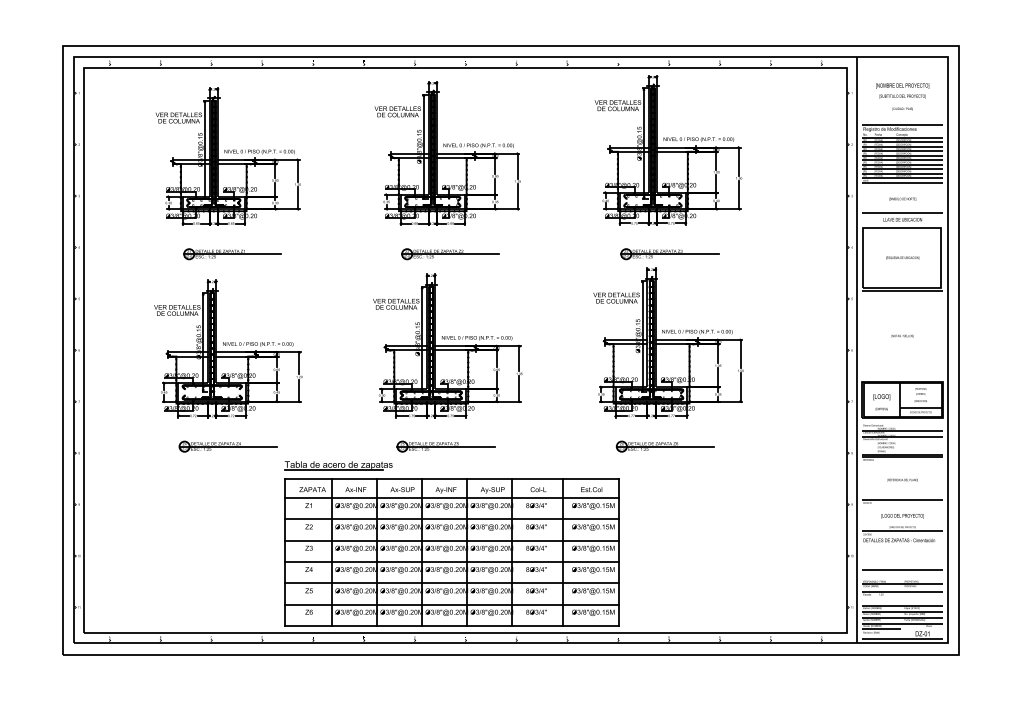
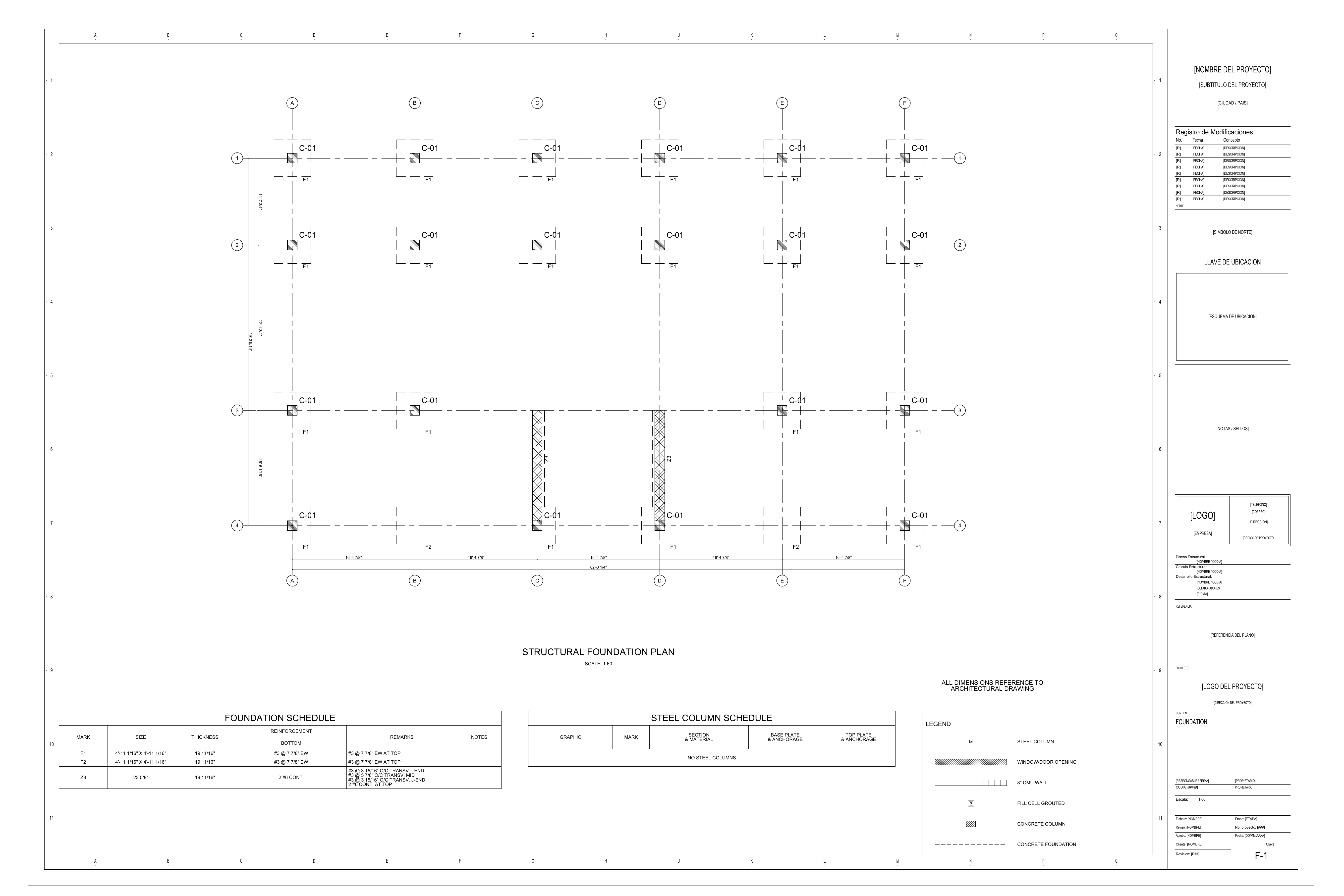
Yes. The foundation drawing workflow includes the plan, footing sections and reinforcement schedules. Review the footing dimensions, depth, column starters and reinforcement in the model before generating the sheets.
Can I edit the output in AutoCAD?
Yes. Export editable DXF drawings, open them in AutoCAD and continue working with the geometry, layers, dimensions and details. You can save as DWG from AutoCAD.
Can I try StructaCAD before choosing a plan?
Yes. Start with your model, review the workspace and download one limited DXF sample per account without a credit card. The sample contains representative details, not the complete drawing set. See the pricing page for full export options.